

Browser Test Incomplete
Operating System
iOS 7.1.2 0 %
iOS 7.1.2
iOS
Release Date: Jun 30, 14
You are 16 versions out of date
Your operating system is outdated and unlikely to receive updates to imrpove or fix playback for streaming video.
0%
Speed Test Incomplete
Adobe Flash
Not Installed0%
ISP
Verizon Internet Services 65%Verizon Internet Services
Your internet provider (ISP) is the gateway between your device and the video stream. Network issues are the most common cause of streaming problems, like excessive buffering or loss of quality.
65%
Site
youtube 69%youtube
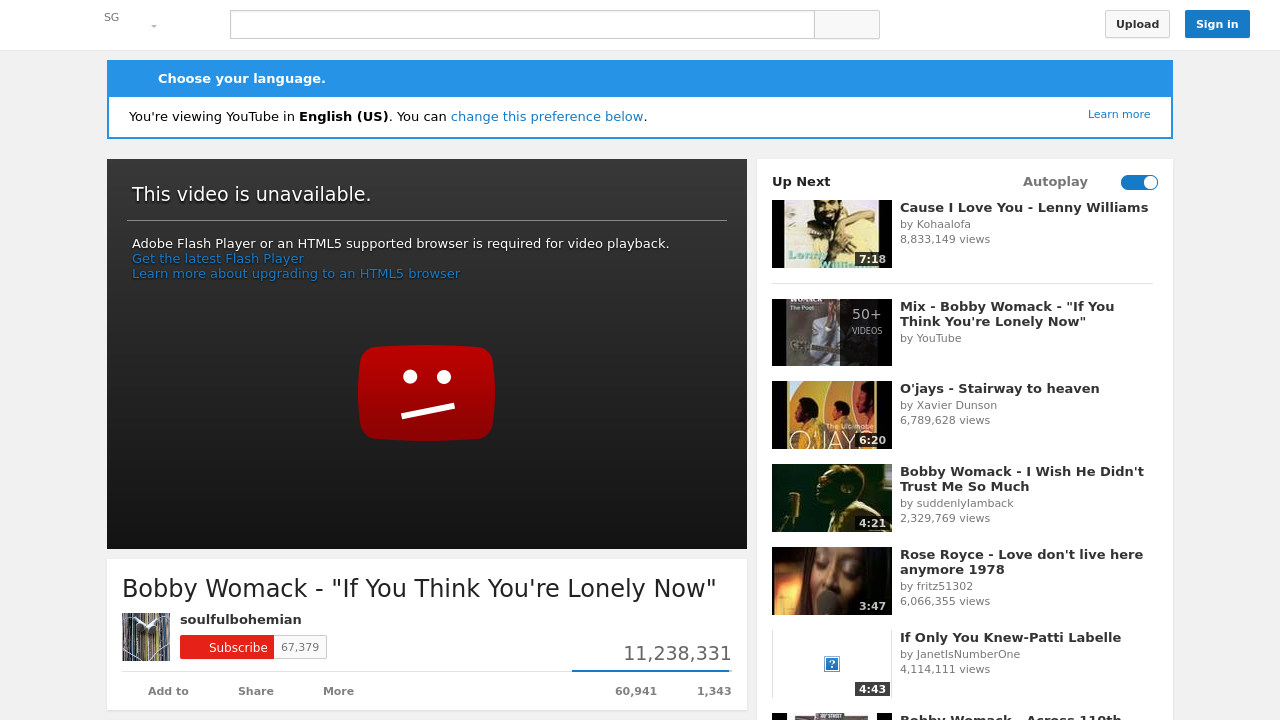
The content of the website containing your media has direct affect on the performance of it's playback. The presence of too many graphically intensive components like advertisements or other videos can dramatically reduce the responsiveness of the media you choose to view.
69%
Buffering
1 Buffering Events 100%Buffering occurs when the media you're viewing has played out faster than your device can download it, causing it to stop and wait for the next chunk of data to become available.
Buffering is an issue specific to your internet connection, and not the speed or capability of the device you're viewing on.